Logging into DOL
| Previous Page | Page Navigation | Next Page |
|---|---|---|
| User Registration | Change Your Password |
To Log In to the TRIAX Design Online Tool Web site,
- Go to the TRIAX DOL Web page.
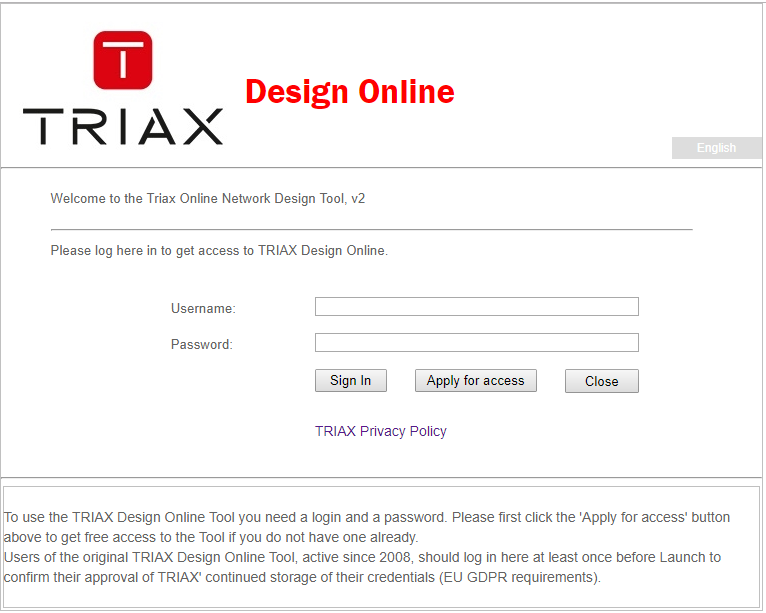
In your browser, enter this address: https://designonline.triax.com/V2. You will see the page shown below. - In the upper text field, enter the Username You have received in an email from TRIAX (User names are case sensitive!)
- In the lower text field, enter the Password You have received in an email from TRIAX (passwords are case sensitive!)
- Click the left button marked: Sign in
This will bring you to the next screen, the 'Planner Home Page'
| Previous Page | Page Navigation | Next Pages |
|---|---|---|
| User Registration | Planner Home Page Change Your Password |