User Registration
To request a Login access username and password from TRIAX, you must:
- First go to the TRIAX DOL Web page.
In your browser, enter this address: https://designonline.triax.com/V2 - Click the middle button with the text 'Apply for access'
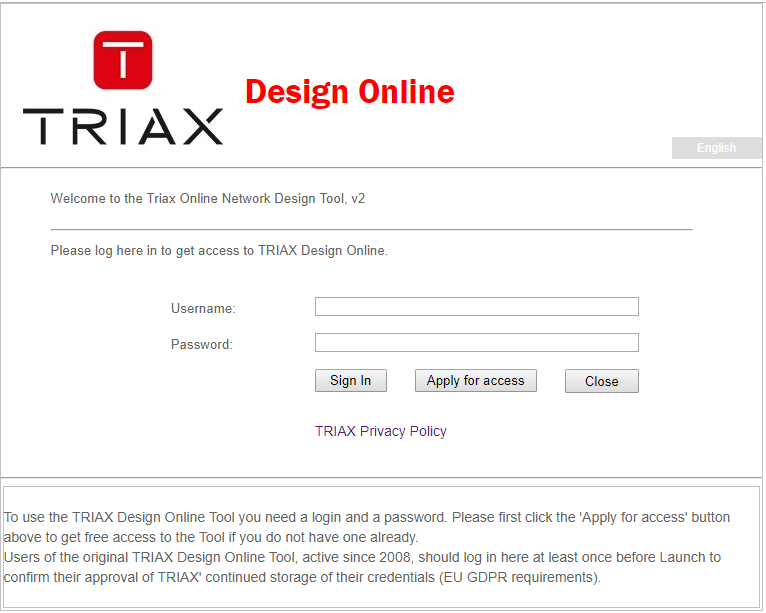
This will bring you to the next screen, where an Apply for Registration Form appear:
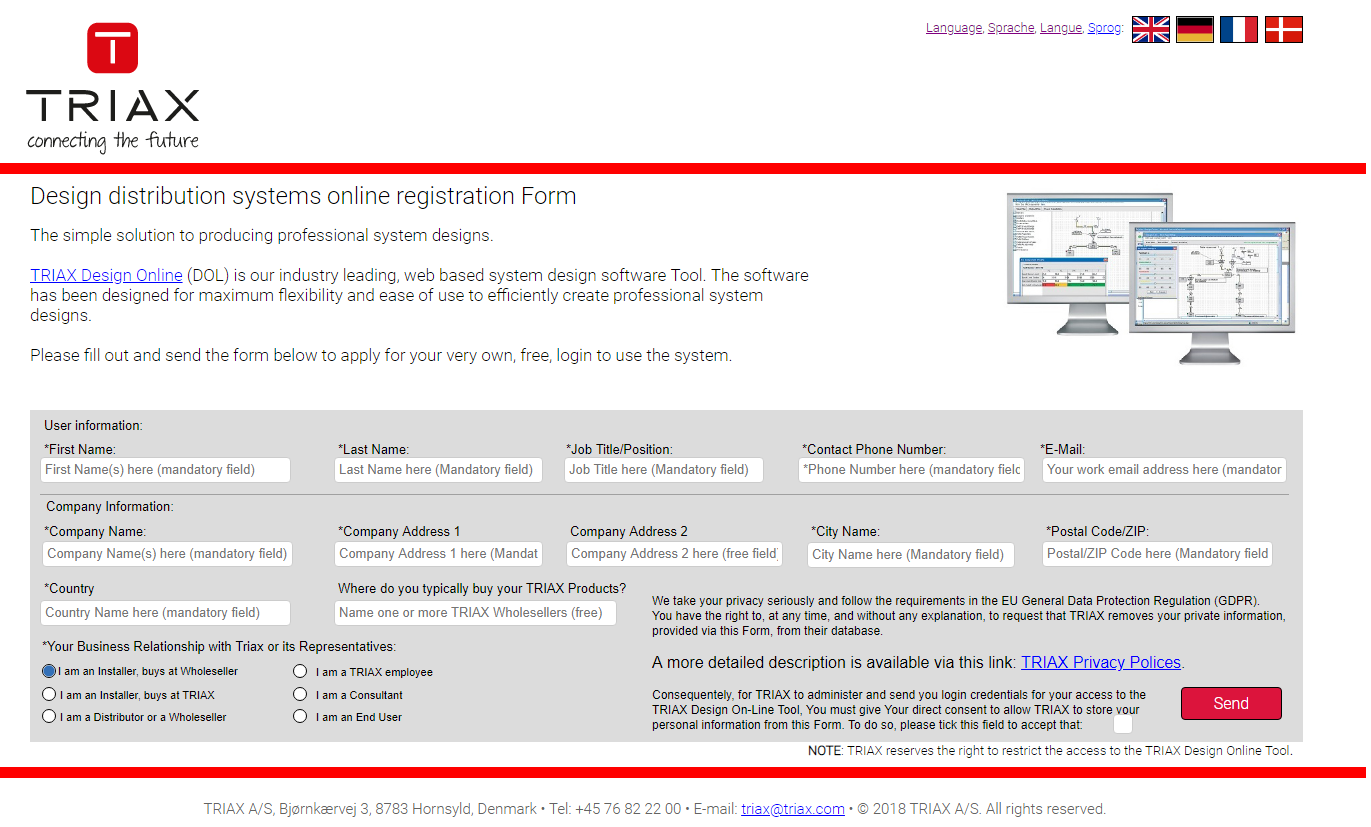
You must fill out all the fields first, and THEN click the lower right button marked Send
This in turn will bring you to the final Registration screen with a few details about when to expect more feedback and password from TRIAX.
Please read it carefully.
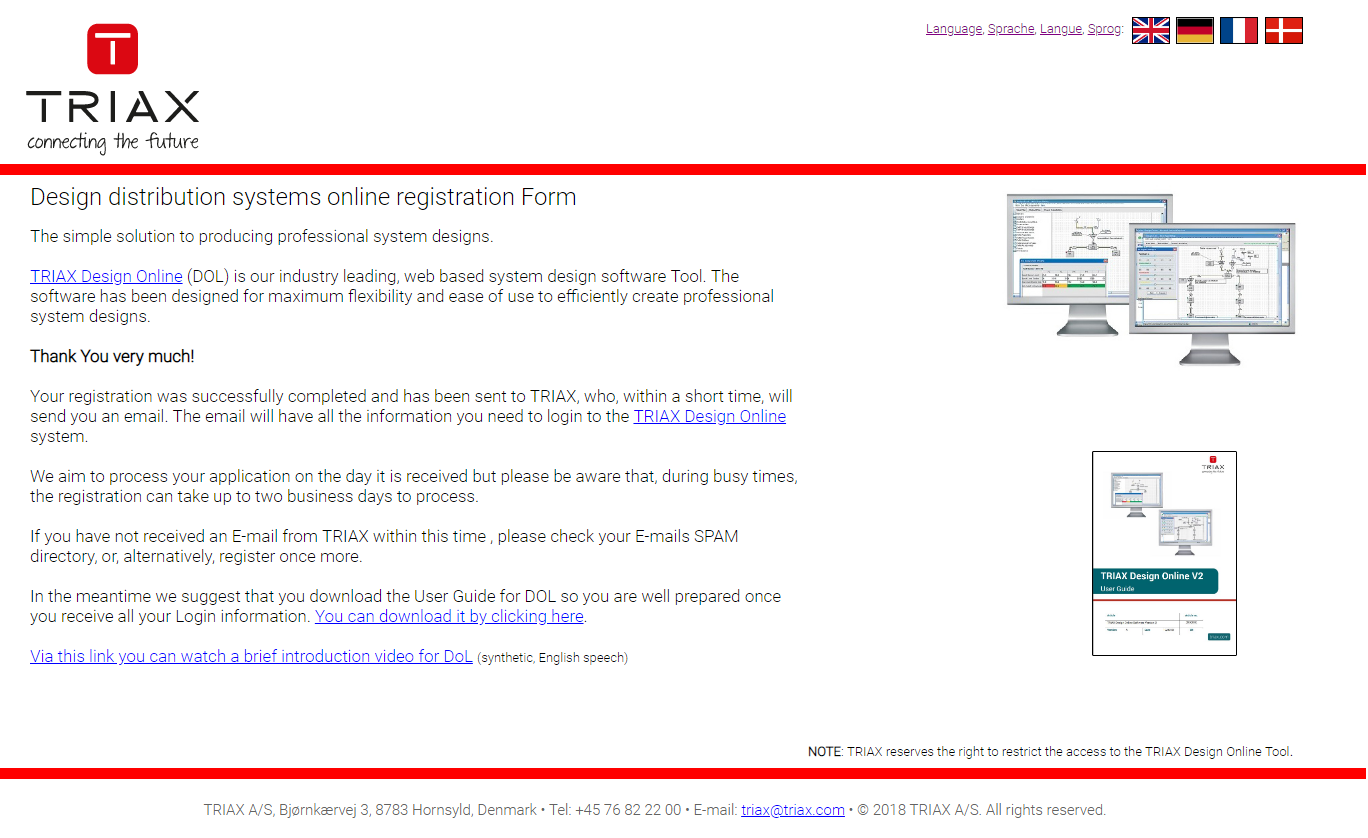
You are now done applying for access to the TRIAX Design Online Tool, and can close the window in your browser.